What is the best way to build a bay that serves both right and left-handed golfers?
A household with golfers who swing from opposite sides needs more than a reversible mat. The launch monitor, the enclosure and the room itself each have a preferred side, and a plan that respects all three keeps everyone playing without a reshuffle.
Why most bays quietly take a side
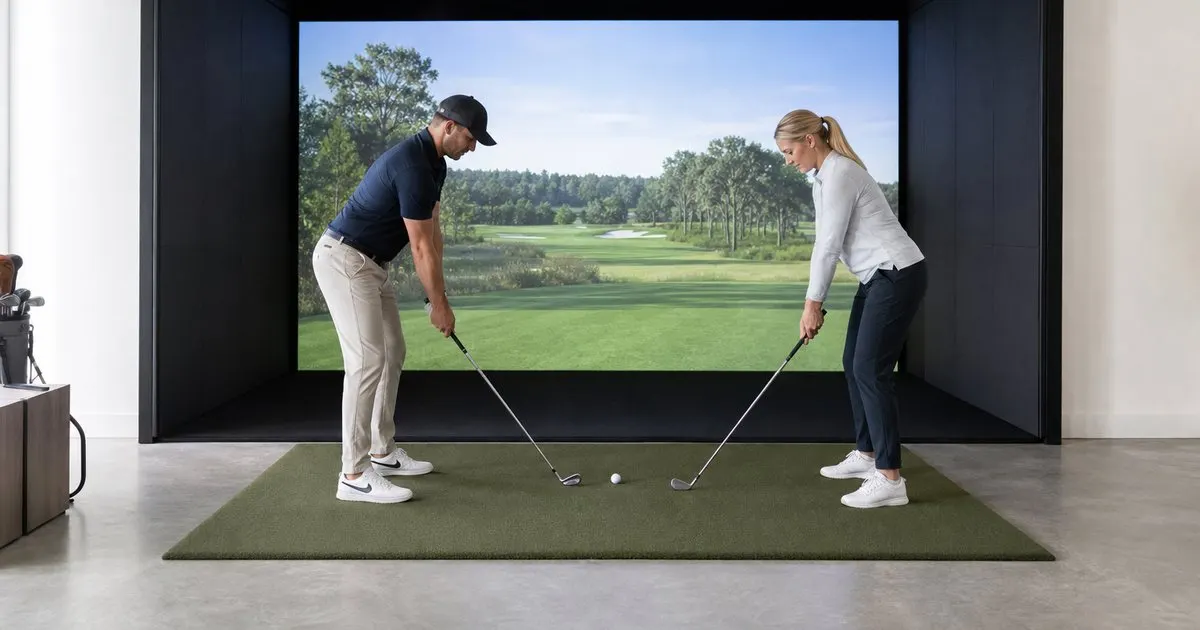
Walk into a typical installed bay and the ball position is rarely in the center of the screen. Stand behind the ball and face the screen, and the geometry is easy to see: a right-handed golfer sets up on the left of the ball, with the screen off their left shoulder, and the swing takes its side clearance on that same side, where the club travels at the top of the backswing and again at the finish. Installers building for a right-hander alone therefore often offset the mat so the ball sits a little to the right of screen center as seen from that position, which moves the golfer's body toward the middle of the room, buys the swing arc room from the left wall and puts the golfer's eyes toward the middle of the image. Hand that room to a left-handed player and everything mirrors. They set up on the right of the ball, so the same offset crowds their body and swing against the right wall, the club brushes the enclosure padding on that side at the top of the backswing and at the finish, and a mishit pull, which for a left-hander starts to the right of the target, heads straight for the side netting on that same wall rather than the screen.
The fix for a shared bay is to center the ball on the screen and give equal clearance on both sides, which asks the room for more width than a single-handed layout. That width requirement should shape the room selection before anything is ordered. If the space cannot provide symmetrical clearance, the compromise is a mat that can be shifted along a track or a pair of marked positions, accepting that one golfer will always hit from a slightly off-center spot. Related: Why does impact screen quality matter more than most buyers expect?
Keep reading: How much space does a premium home golf simulator bay actually require?, Which launch monitor technology gives the most accurate readings for home use?, What separates a five thousand dollar bay from a fifteen thousand one?. See how Golfbayr helps you the complete guide to premium home golf simulators.
Launch monitor placement for both sides
Radar units that sit behind the ball are the friendliest to a two-sided bay because they look straight down the target line and do not care which side of the ball the golfer occupies; the ball still needs to sit at the prescribed distance from the unit and on its centerline. Camera based units that sit beside the ball are the opposite, since they must be on the specific side the manufacturer intends, and switching hands means physically moving the unit to the other side and often adjusting settings, a chore that discourages spontaneous play. Related: Which launch monitor technology gives the most accurate readings for home use?
Overhead camera systems mounted to the ceiling generally handle both golfers without repositioning, which is a strong argument in their favor for a mixed household, though they carry their own lighting and ceiling height requirements. Whatever the unit, confirm in writing that it supports left-handed play natively, ask how the switch is performed and whether it can be triggered from the software rather than by walking to the sensor, and test the process at a dealer with both golfers present before committing. Related: How much space does a premium home golf simulator bay actually require?
Mats, tee position and hitting zone width
A shared bay wants a hitting mat with a usable strike zone at both ends or a symmetrical hitting strip in the center of a wide stance area, so neither player is teeing up on worn turf or standing on a seam. Replaceable inserts help here because the two hitting positions wear at different rates depending on who practices more. If the bay uses a built-in tee holder or a marked ball position for the launch monitor, provide one for each hand rather than asking someone to guess.
Side clearance must be checked for both golfers with the club that reaches furthest, usually the driver, in each direction. Any swing analysis cameras need mirrored positions or a mount that swings across, because the down-the-line view for a right-hander sits behind the left-hander's back. Projector placement is unaffected by handedness as long as it sits above and ahead of the ball, but a floor mounted ultra short throw unit at the screen base is equally at risk from a shank in either direction and should be caged. Related: Should you choose a ceiling mounted or floor standing simulator setup?
Software profiles and daily switching
Modern simulator software supports individual player profiles with a handedness setting, and in a mixed household the goal is a switch that takes seconds. Set up each golfer's profile once, with their clubs, preferred tee height and handedness saved, so a change of player is a tap on the tablet at the mat. Confirm that the software's handedness setting communicates with the launch monitor where required, since some sensors need the flag to interpret club path and face angle correctly.
Families with children who are still settling on a side, and anyone who coaches, will find that a bay built for both hands from the start is far cheaper than retrofitting width and repositioning a sensor later. Sensor links on this site may be affiliate links. The plan is the same for every household: center the ball, size the room for symmetrical clearance, choose a sensor that handles both hands without a walk to the unit, and make the profile switch effortless.
- Center the ball on the screen and plan symmetrical side clearance before selecting the room.
- Radar and ceiling mounted sensors handle both hands with far less fuss than side mounted camera units.
- Use a mat with hitting zones or inserts for each hand and provide a marked ball position for both.
- Save per-player profiles with handedness so switching golfers takes a tap rather than a reconfiguration.

Julien Jimenez
Julien Jimenez is an independent software builder based in Paris. He designs, ships, and operates focused SaaS products for small businesses and independent professionals. Read the full author page.
Your Game, Ready Every Morning
The complete guide to premium home golf simulators. Golfbayr is built to help you put this into practice.
Build your bayMore from the Golfbayr blog
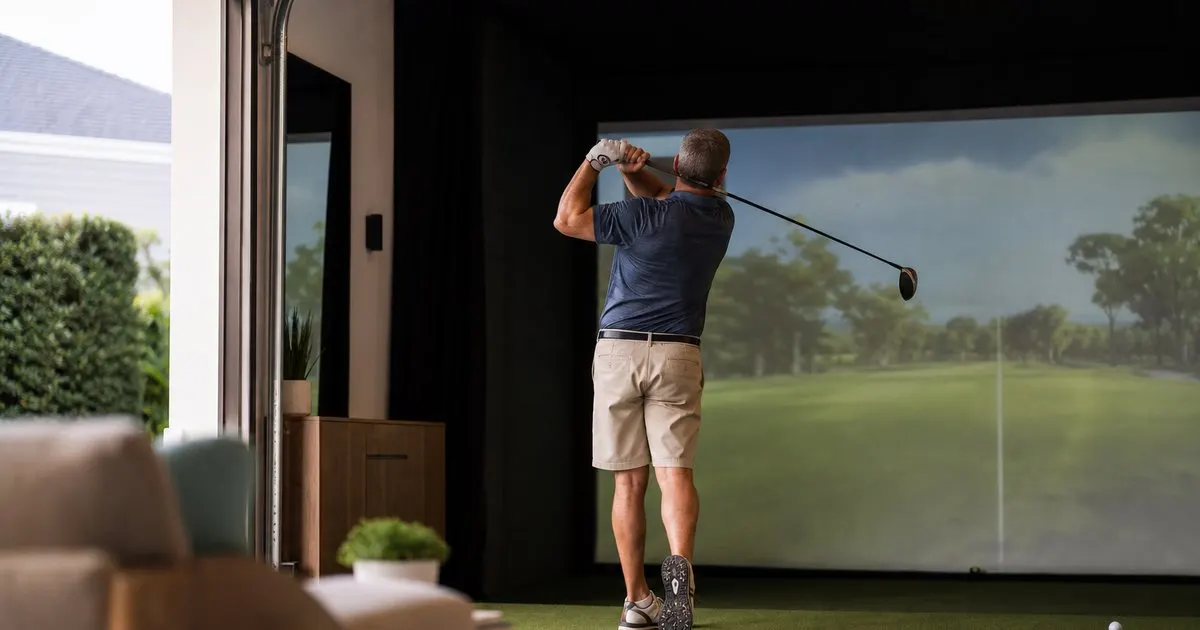
How much space does a premium home golf simulator bay actually require?
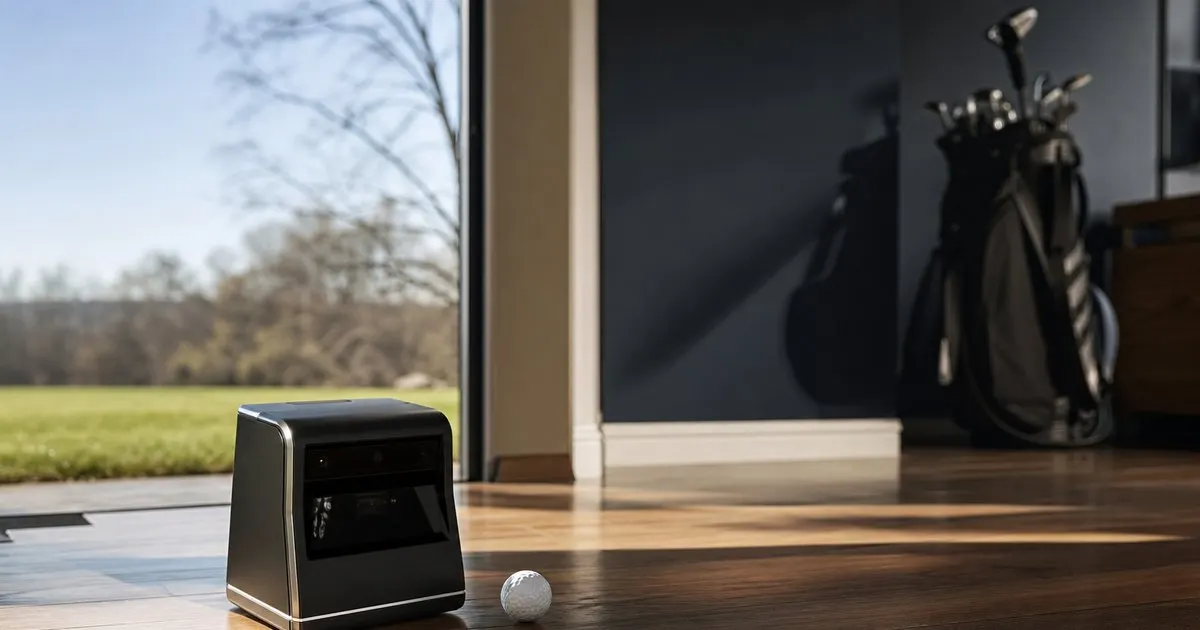
Which launch monitor technology gives the most accurate readings for home use?
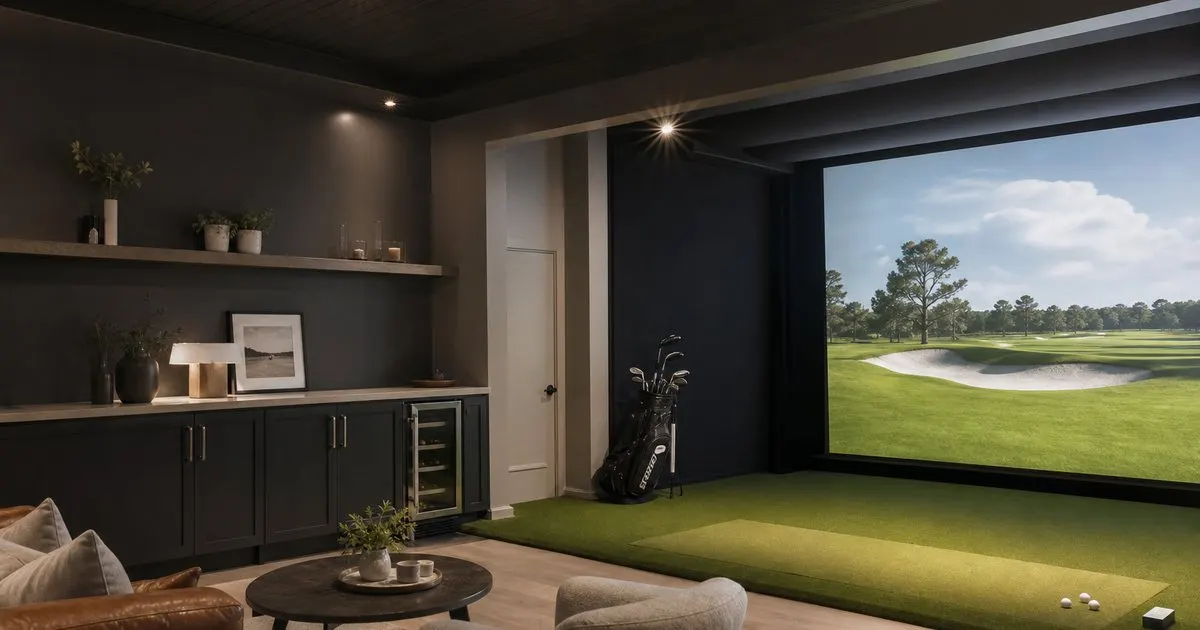
What separates a five thousand dollar bay from a fifteen thousand one?
Get the complete home golf simulators guide
Our full buying guide, the price guide, and new research as we publish it. One email, no spam, unsubscribe any time.