How do you choose the right projector and throw ratio for a home golf bay?
Throw ratio, brightness and mounting position decide whether the image on your impact screen reads like a window onto the course or a washed out rectangle. This guide walks through the choices in the order an installer would make them.
Why throw ratio is the first number to settle
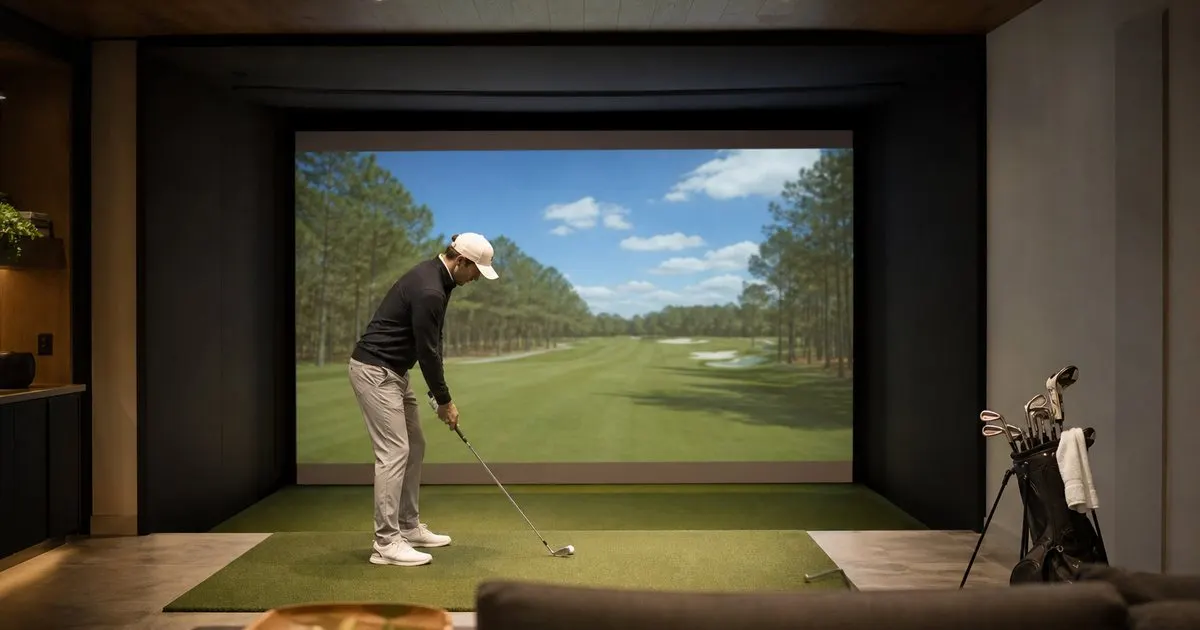
Throw ratio is simply the distance from the projector lens to the screen divided by the width of the image it produces. A ratio of 1.0 means a twelve foot wide picture needs the lens twelve feet away, and a ratio of 0.5 halves that distance. In a golf bay this number matters more than it does in a media room, because the projector has to live somewhere the club and the ball will never reach, and somewhere the golfer's body will not throw a shadow across the fairway. Those two constraints usually push the lens to the ceiling above and slightly ahead of the hitting position, which means the available distance to the screen is fixed by the room before you have even looked at a spec sheet. Related: How much space does a premium home golf simulator bay actually require?
Work the math backward. Measure the width of the screen you plan to buy, decide where the projector can physically hang, then divide the distance by the width to get the ratio you need. Most residential bays with a screen between ten and sixteen feet wide end up needing a short throw projector, typically somewhere around 0.5 to 0.8, when the mount sits within the enclosure frame. Ultra short throw units that sit on the floor at the base of the screen are the other route; they eliminate shadows entirely but demand a perfectly tensioned screen, since even slight ripples in the fabric become visible waves at those steep angles, and they need a protective cage against low mishits.
Keep reading: How much space does a premium home golf simulator bay actually require?, Which launch monitor technology gives the most accurate readings for home use?, What separates a five thousand dollar bay from a fifteen thousand one?. See how Golfbayr helps you the complete guide to premium home golf simulators.
Brightness, contrast and the screen you actually have
Impact screens are not home theater screens. They are woven or knitted polyester built to stop a golf ball, and that construction scatters light rather than focusing it back toward the viewer. Combine that with the fact that a bay is often lit fairly brightly so the golfer and the launch monitor can see the ball, and you end up needing a considerably brighter projector than a dark living room would require. Installers generally look for units in the several thousand lumen range and then confirm the image against the actual screen fabric, because the difference between a tight weave and a coarse one changes perceived brightness more than the spec sheet suggests. Related: Which launch monitor technology gives the most accurate readings for home use?
Light source is the next decision. Laser projectors switch on almost instantly, hold their brightness for many years and remove the lamp replacement chore that lamp based models bring, which is a meaningful advantage in a space used a few times a week. Contrast matters less than brightness in a bay, but fan noise matters a great deal, since the projector hangs a few feet from a golfer trying to concentrate. Aspect ratio also deserves a decision early: enclosures come in 4:3, 16:10 and 16:9 shapes, and the projector's native format should match or you will live with black bars or an image that spills onto the side padding.
Resolution, input lag and what the eye notices
At the viewing distances typical of a bay, roughly ten to fourteen feet from the mat to the screen, a good 1080p image on a twelve foot screen still looks convincing, while 4K becomes noticeably crisper on the larger enclosures and in software that renders fine detail like grass texture and distant trees. Be aware that many affordable 4K projectors achieve that resolution by pixel shifting rather than a native 4K chip, and that whatever the projector accepts, the computer's graphics card has to render at that resolution every frame. A sharper projector paired with an underpowered computer simply produces a sharper stutter. Related: Why does impact screen quality matter more than most buyers expect?
Input lag is less critical than in competitive gaming because the ball flight begins after the club has already passed through the ball, but a projector with heavy processing can make the swing feel disconnected from the picture, especially on chips and putts where the ball reaches the screen almost immediately. Avoid relying on digital keystone correction to square the image. It softens the picture, adds processing delay and wastes resolution. Mount the projector square to the screen and use optical lens shift and zoom to fine tune, and set the image to overscan slightly onto the padding so a ball that strikes the border does not reveal a hard edge of black.
Mounting, cabling and protecting the investment
Ceiling mounts inside the enclosure frame are the most common solution for short throw units, with a drop tube used when the ceiling is high enough that the lens would otherwise sit too far above the top of the screen. Whatever the position, swing a driver and a long iron slowly at full height before drilling, and remember that a tall golfer with a steep arc reaches higher than you expect. Floor mounted ultra short throw units live inside a low enclosure at the base of the screen, which protects the lens but also traps heat, so give that enclosure ventilation. Related: Should you choose a ceiling mounted or floor standing simulator setup?
Run cabling before the drywall closes. Long HDMI runs beyond typical consumer lengths often need an active or fiber cable to hold a clean 4K signal, and a conduit from the computer location to the projector position lets you replace the cable later without opening a wall. Hitting mats shed fibers and the room collects dust, so plan to clean the projector filter and lens on a schedule. Projector links on this page may earn the site a commission. The throw ratio arithmetic above does not care where you shop, and any dealer worth using will confirm it against your room dimensions before shipping.
- Calculate throw ratio from your own room and screen width before reading a single projector review.
- Bays need brighter projectors than media rooms because impact screens diffuse light and the space is lit for the golfer.
- Match the projector's native aspect ratio to the enclosure shape and avoid digital keystone correction.
- Run conduit and long active cabling before the walls close, and ventilate wherever the projector lives.

Julien Jimenez
Julien Jimenez is an independent software builder based in Paris. He designs, ships, and operates focused SaaS products for small businesses and independent professionals. Read the full author page.
Your Game, Ready Every Morning
The complete guide to premium home golf simulators. Golfbayr is built to help you put this into practice.
Build your bayMore from the Golfbayr blog
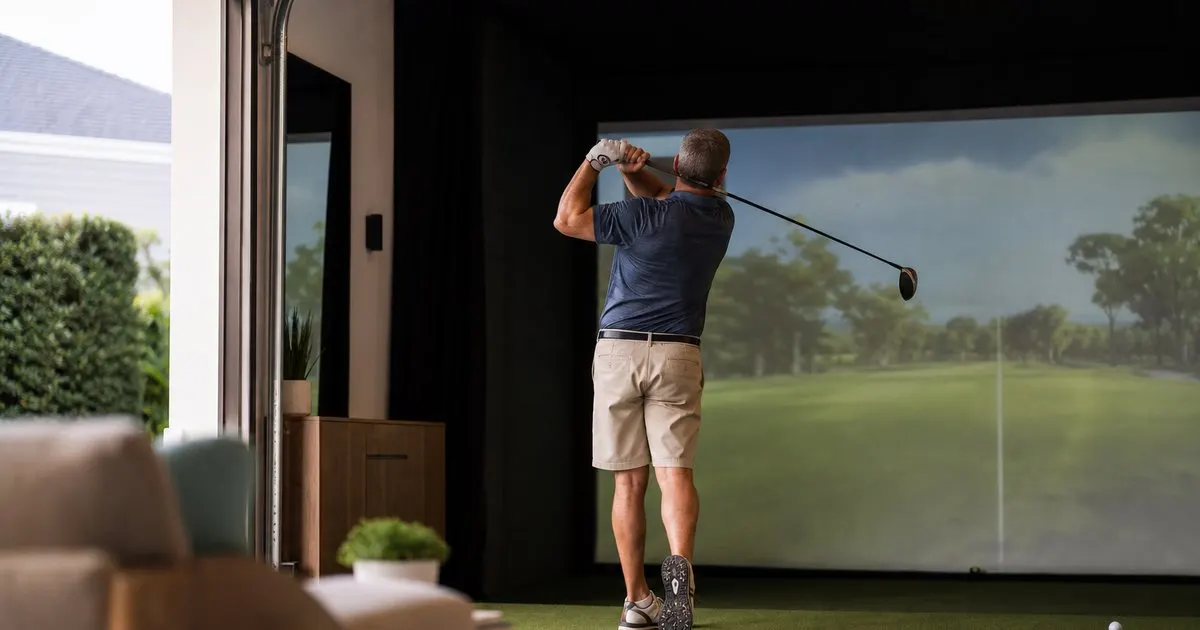
How much space does a premium home golf simulator bay actually require?
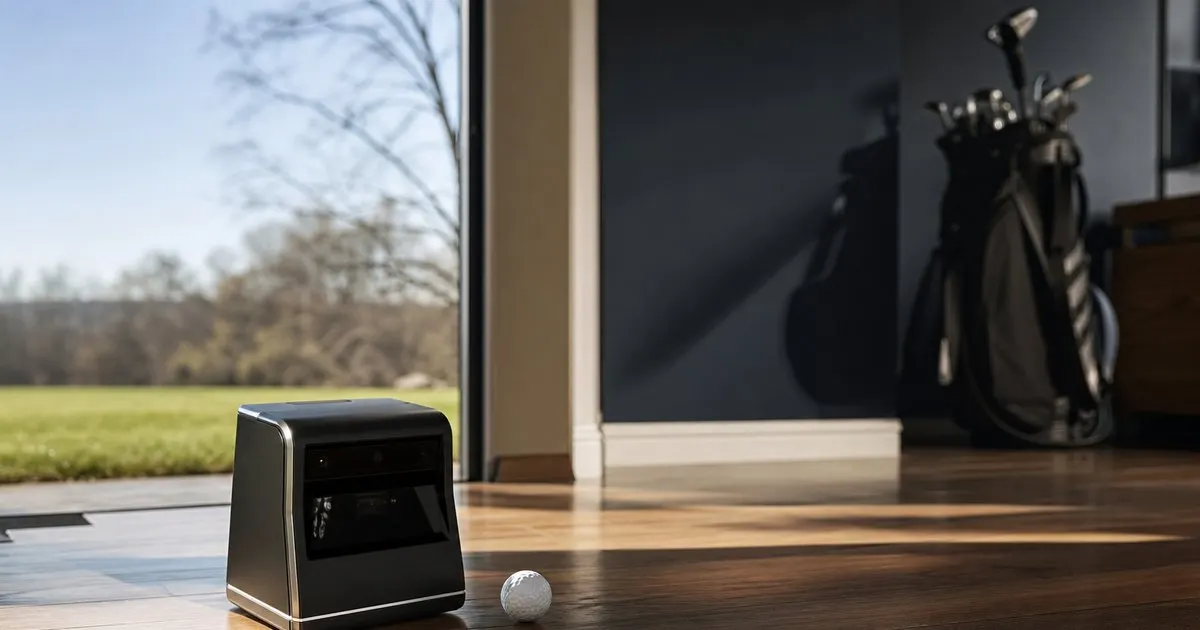
Which launch monitor technology gives the most accurate readings for home use?
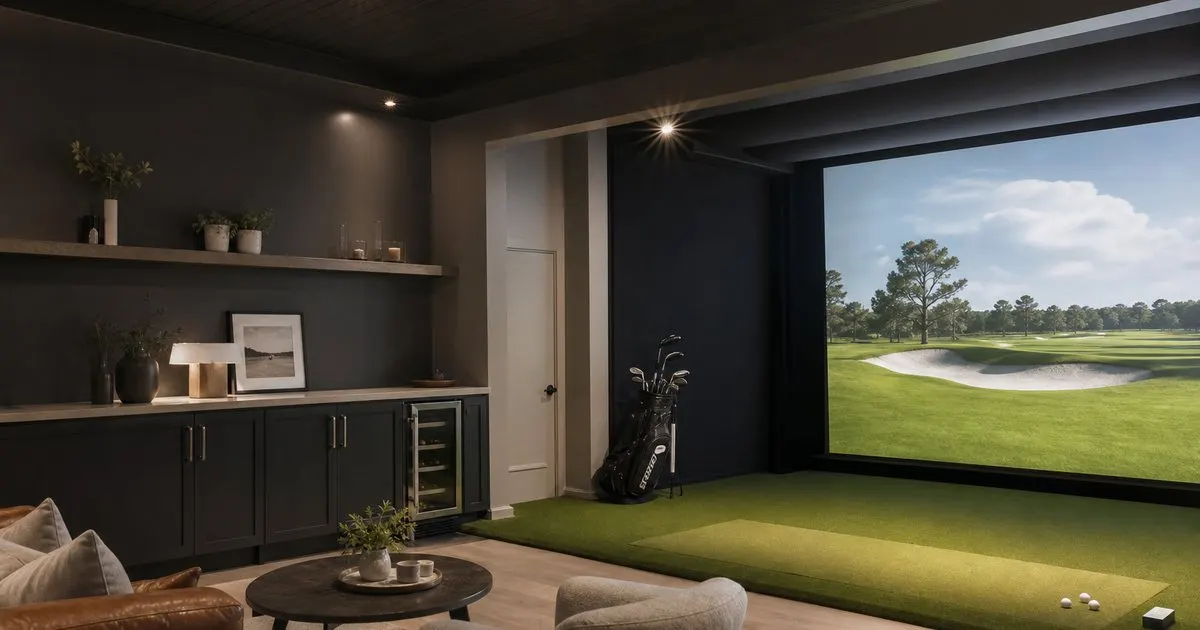
What separates a five thousand dollar bay from a fifteen thousand one?
Get the complete home golf simulators guide
Our full buying guide, the price guide, and new research as we publish it. One email, no spam, unsubscribe any time.