How do you light a home golf simulator bay without confusing the launch monitor?
Lighting in a bay serves two clients at once: the golfer who needs to see the ball and the sensors that need clean, flicker-free conditions. The compromises are manageable when they are planned before the ceiling closes.
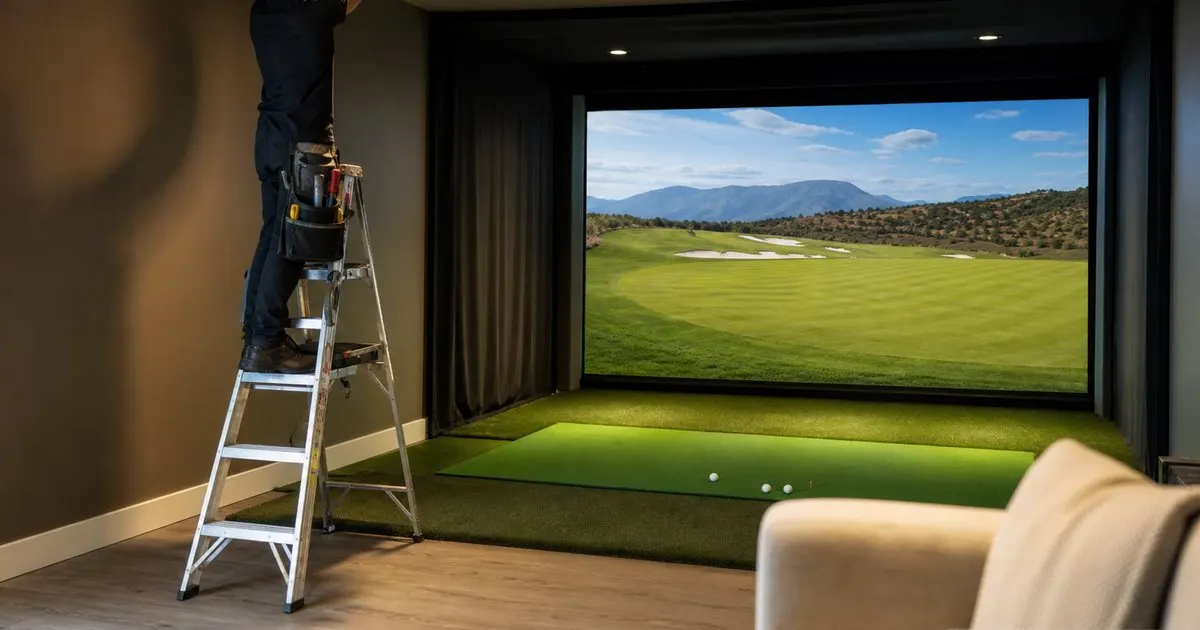
Two clients with different needs
The golfer wants enough light to see the ball, read the face of the club and feel comfortable, while also wanting the projected image to stay rich rather than washed out. The launch monitor wants something more specific. Radar units are largely indifferent to lighting and simply need a clear view of the ball's path. Camera based units, whether they sit beside the ball or hang from the ceiling, photograph the ball and club at very high speed and need consistent, adequate light on the hitting zone with no harsh shadows and no interference from sources that emit strongly in the infrared range. Related: How much space does a premium home golf simulator bay actually require?
This is why manufacturers of camera systems publish lighting guidance, often specifying a target brightness at the mat and warning against direct sunlight, halogen bulbs and certain bare LED fixtures. Read that guidance before the electrician arrives, because a beautifully lit room that the sensor cannot see in is an expensive mistake. Overhead units are the most demanding, since they look down at the ball and rely on the lighting to produce clean images of a moving club, and they typically want the hitting area brighter than the rest of the room.
Keep reading: How much space does a premium home golf simulator bay actually require?, Which launch monitor technology gives the most accurate readings for home use?, What separates a five thousand dollar bay from a fifteen thousand one?. See how Golfbayr helps you the complete guide to premium home golf simulators.
Zoning: bright at the mat, dim at the screen
The core principle is to separate the room into zones on independent circuits. The hitting area gets narrow beam recessed downlights aimed at the mat so the golfer and sensor both have bright, even light where it counts. The screen wall gets nothing directly, because any light that spills onto the impact screen reduces contrast and flattens the picture. The seating or lounge area, if the room has one, gets softer ambient light on its own dimmer so spectators can see their drinks without competing with the projector. Related: Why does impact screen quality matter more than most buyers expect?
Placement is as important as fixture choice. Keep every fixture well outside the swing arc, favoring recessed cans or low profile surface mounts over anything that hangs. Position the downlights so the golfer's body does not cast a shadow across the ball at address, which usually means lights slightly ahead of and to both sides of the hitting position rather than directly overhead. Installers often mock up the layout with clamp lights before committing, running the launch monitor for a few dozen shots to confirm it reads cleanly.
Flicker, color temperature and dimming technology
High speed cameras see what the human eye cannot. Many inexpensive LED fixtures dim by rapidly switching on and off, and that pulsing is invisible to a golfer but can appear as banding or dropped frames to a camera based launch monitor. Specify fixtures and drivers that are rated flicker-free or that use constant current dimming, and test them at the dim level you intend to use, since some fixtures behave well at full brightness and poorly when dimmed. Related: Which launch monitor technology gives the most accurate readings for home use?
Color temperature affects both parties. A neutral white in the middle of the range, neither warm and yellow nor cold and blue, keeps the ball looking white to the camera and the room feeling comfortable to people. A high color rendering index helps the golfer track the ball against the turf and read the clubface. Avoid mixing daylight from windows with artificial light on the hitting zone, because the sun moves, clouds pass and the sensor sees a constantly changing scene. Blackout blinds are standard in bays with windows for exactly this reason.
Scenes, control and living with it
Once the zones exist, tie them to scene controls so the bay switches states with one press: a practice scene with the mat bright and the screen wall dark, a play scene that dims the lounge and keeps the hitting area at the sensor's preferred level, a cleaning scene with everything on, and a shutdown that turns it all off. Smart dimmers or a simple keypad at the door make this effortless, and a scene that the whole family can operate is what keeps the room in use.
If you plan to record your swing on video, add dedicated lighting for that purpose from the face-on and down-the-line positions, since a bright mat and a dark background is ideal for the launch monitor but leaves a phone camera struggling to expose the body. Finally, remember that lighting is one of the few systems that is very difficult to change after the ceiling is finished, so it belongs in the first conversation with the installer, next to power and projector position, rather than the last. Related: Should you choose a ceiling mounted or floor standing simulator setup?
- Read the launch monitor manufacturer's lighting guidance before the electrician draws a single circuit.
- Put the hitting zone, screen wall and lounge on separate circuits with independent dimming.
- Specify flicker-free LED drivers in neutral white and test them at the dim level you will use.
- Block daylight from the hitting area and program scenes so the whole household can run the bay.

Julien Jimenez
Julien Jimenez is an independent software builder based in Paris. He designs, ships, and operates focused SaaS products for small businesses and independent professionals. Read the full author page.
Your Game, Ready Every Morning
The complete guide to premium home golf simulators. Golfbayr is built to help you put this into practice.
Build your bayMore from the Golfbayr blog
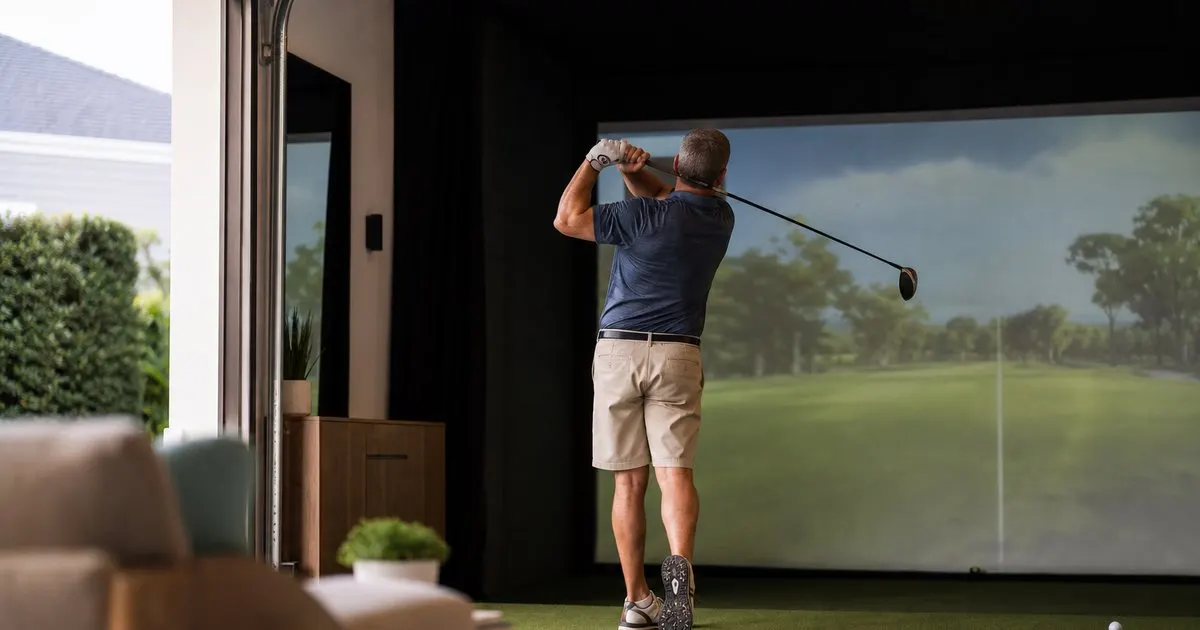
How much space does a premium home golf simulator bay actually require?
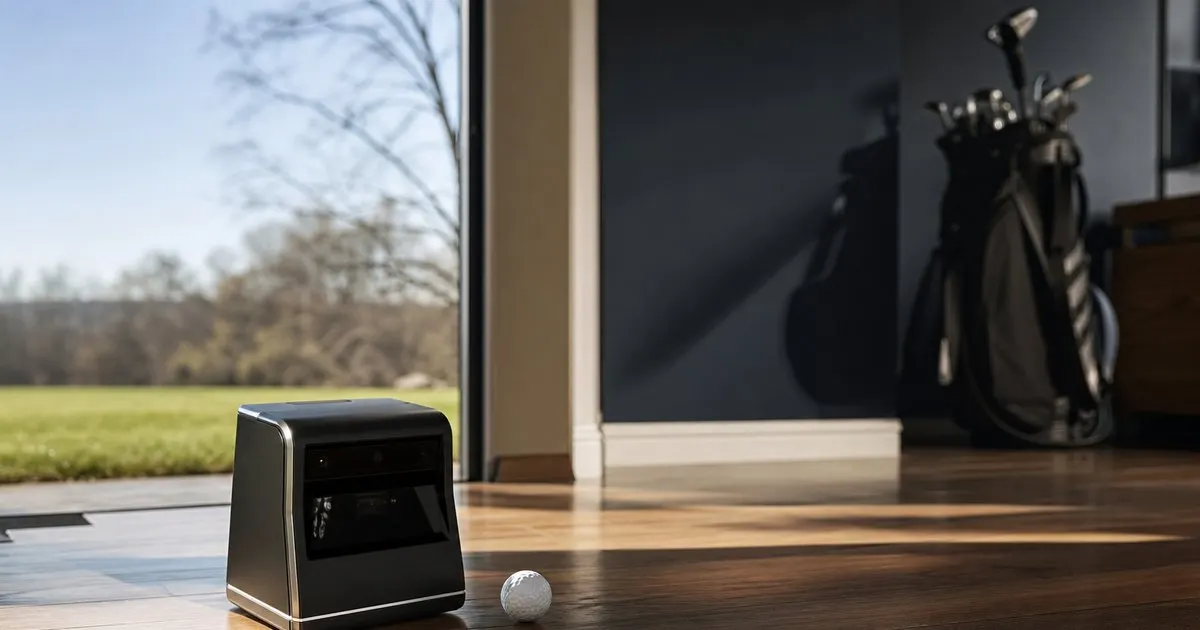
Which launch monitor technology gives the most accurate readings for home use?
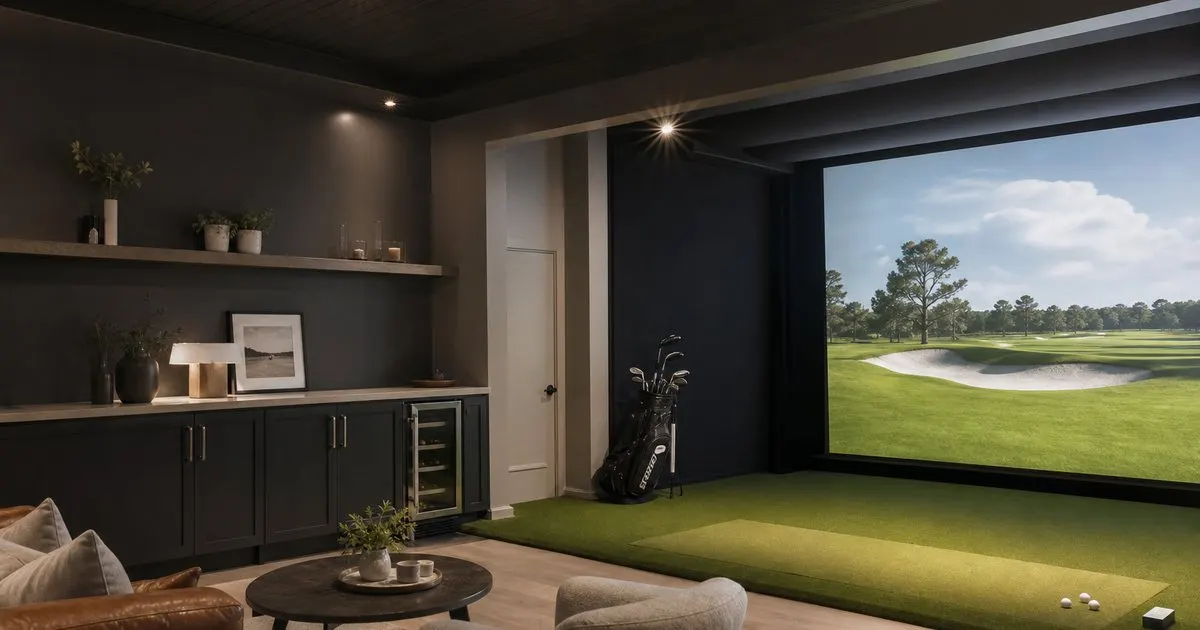
What separates a five thousand dollar bay from a fifteen thousand one?
Get the complete home golf simulators guide
Our full buying guide, the price guide, and new research as we publish it. One email, no spam, unsubscribe any time.